

Teams
Seats and Billing
Per-seat team billing, seat usage, and the grace period.
Teams billing is per seat. The number of seats on your subscription sets how many active members the workspace can have.
- Each active member occupies one seat.
- Deactivating a member frees their seat for someone else.
- Reactivating a member requires an available seat.
- Pending invitations don't consume a seat until they're accepted.
- If your team grows past your current seat allocation, there's a 14-day grace period before any restrictions kick in — so a new hire never gets locked out while you're adding seats. Members over the limit after the grace period are suspended (access paused, data intact) until a seat frees up.
Managing seats and payment
Manage seats and payment from Settings → Billing.
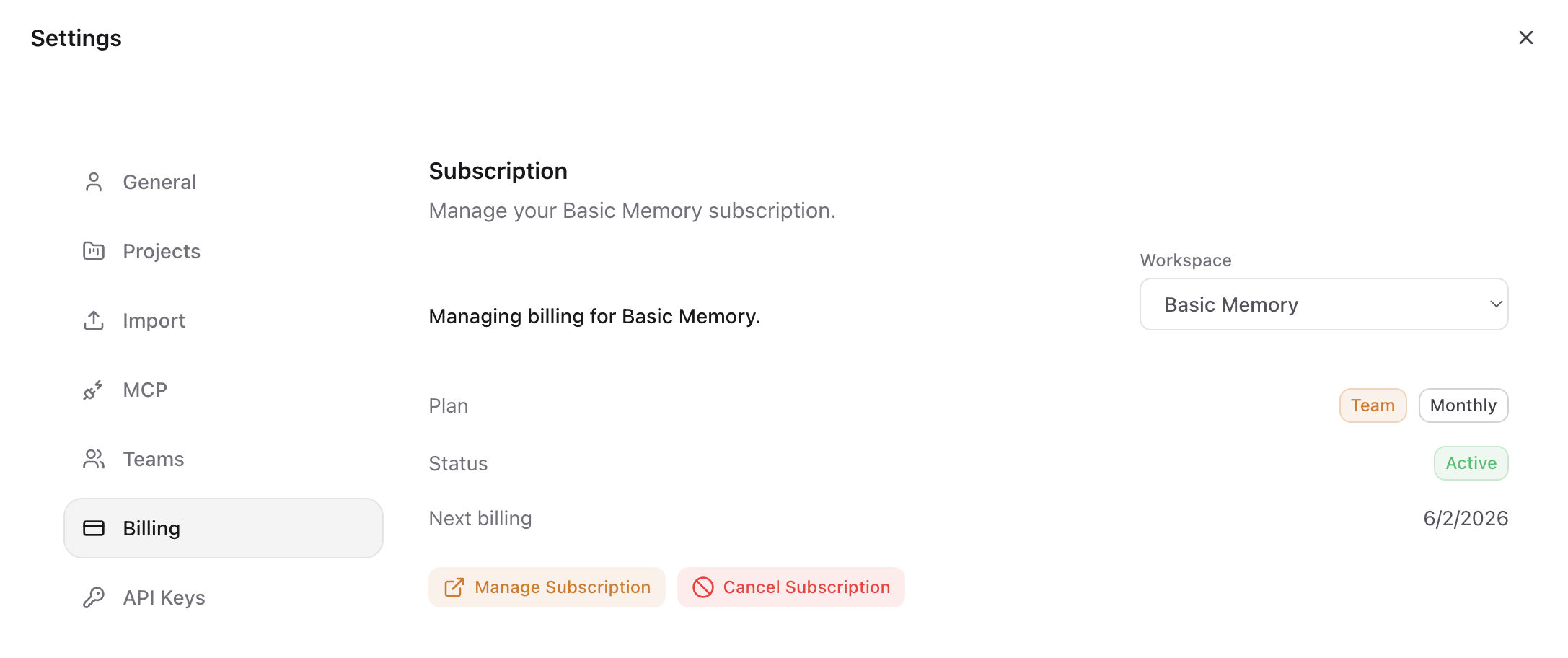
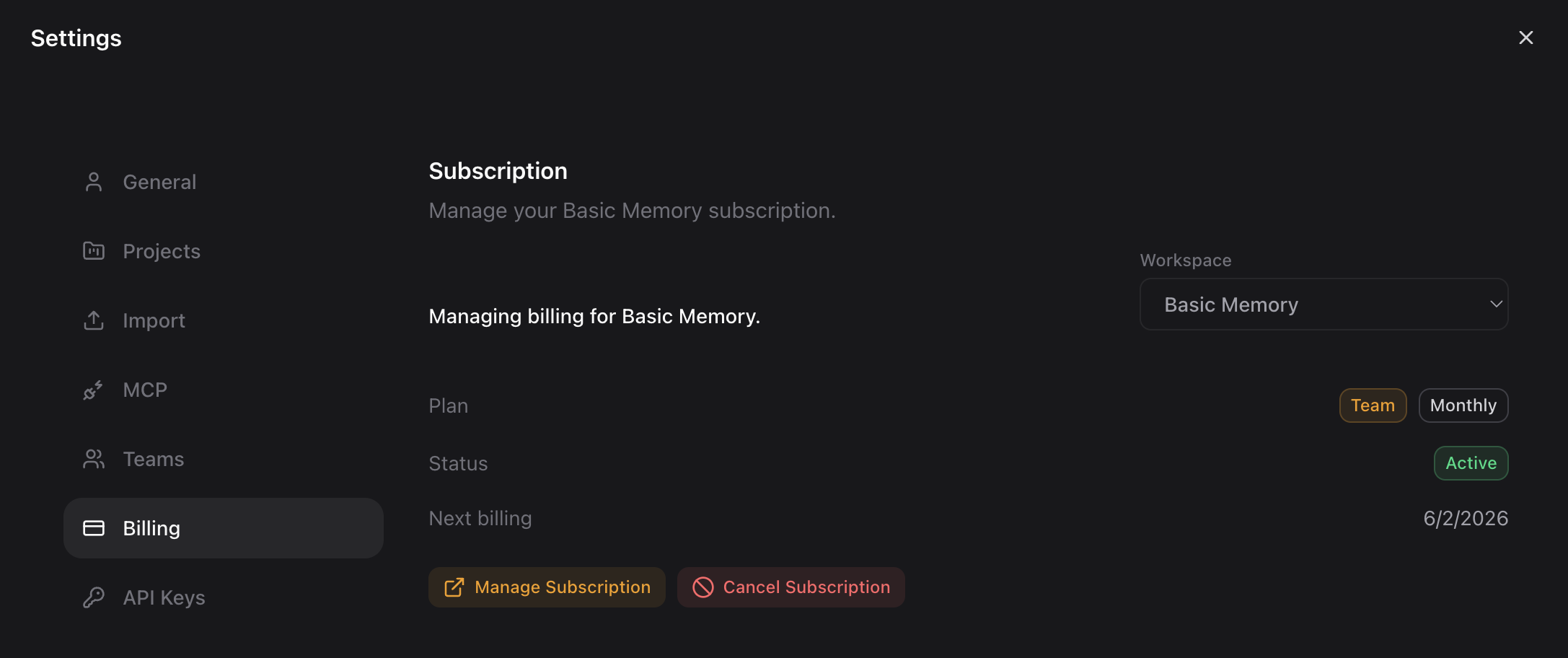
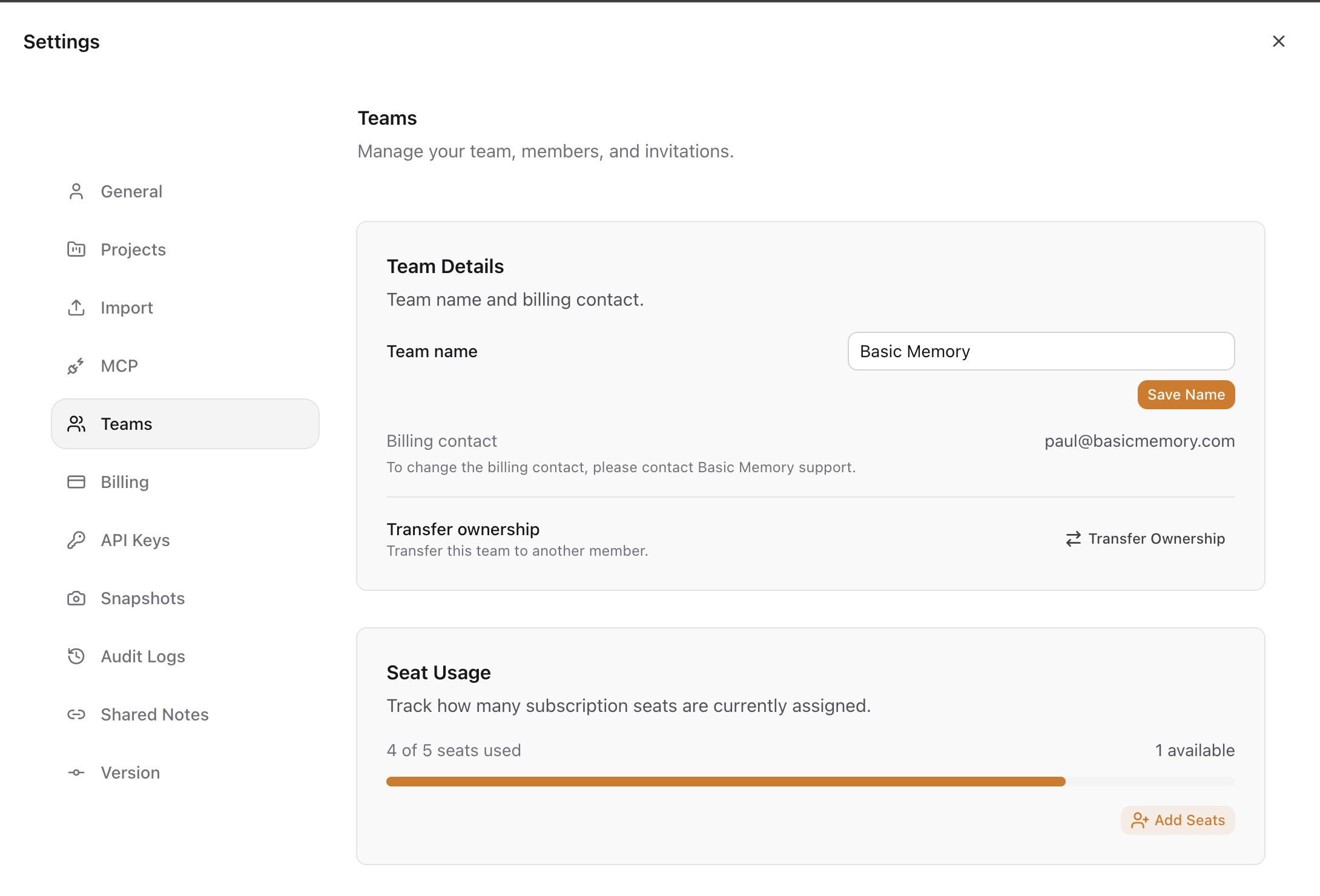
Track current seat usage from the same screen:
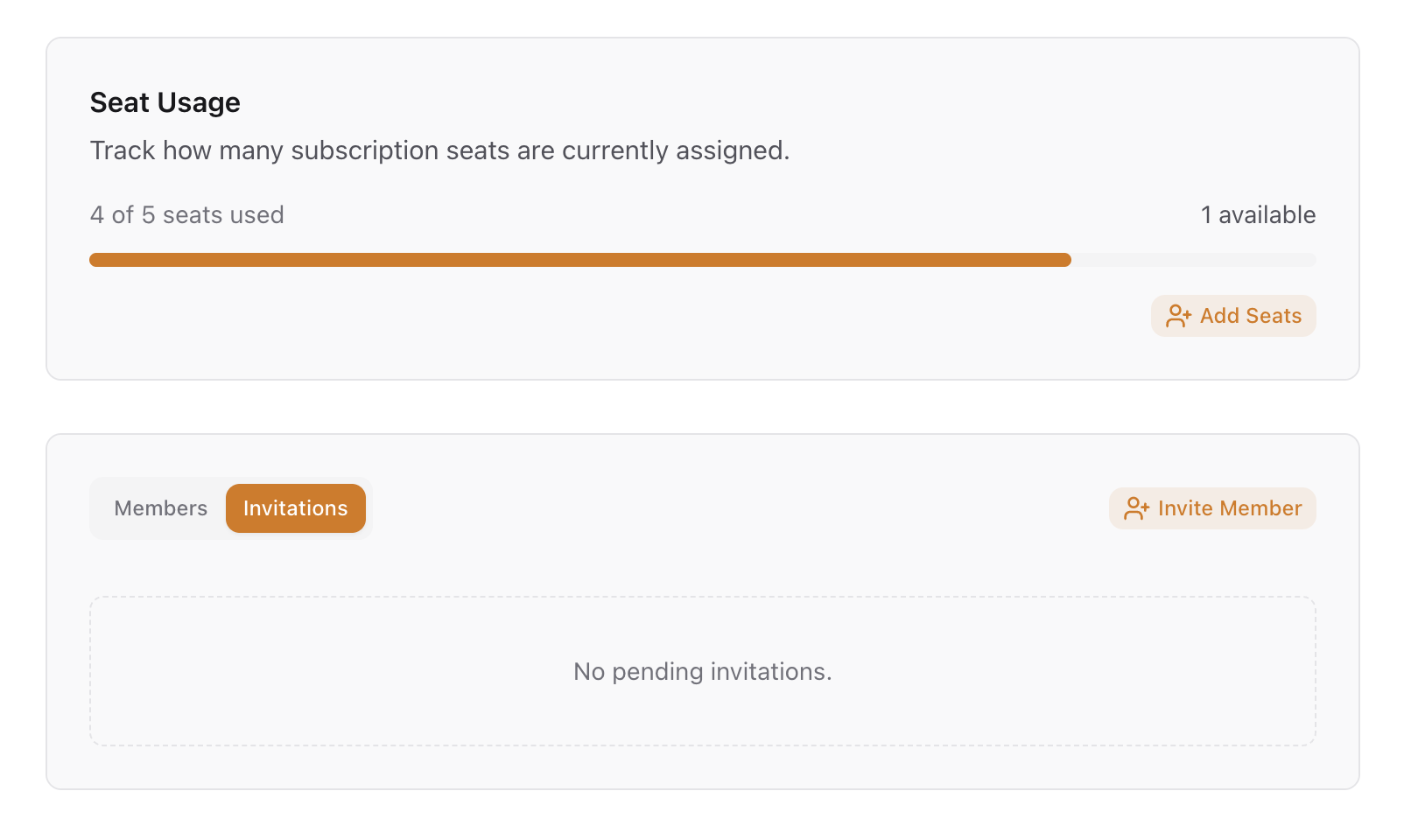
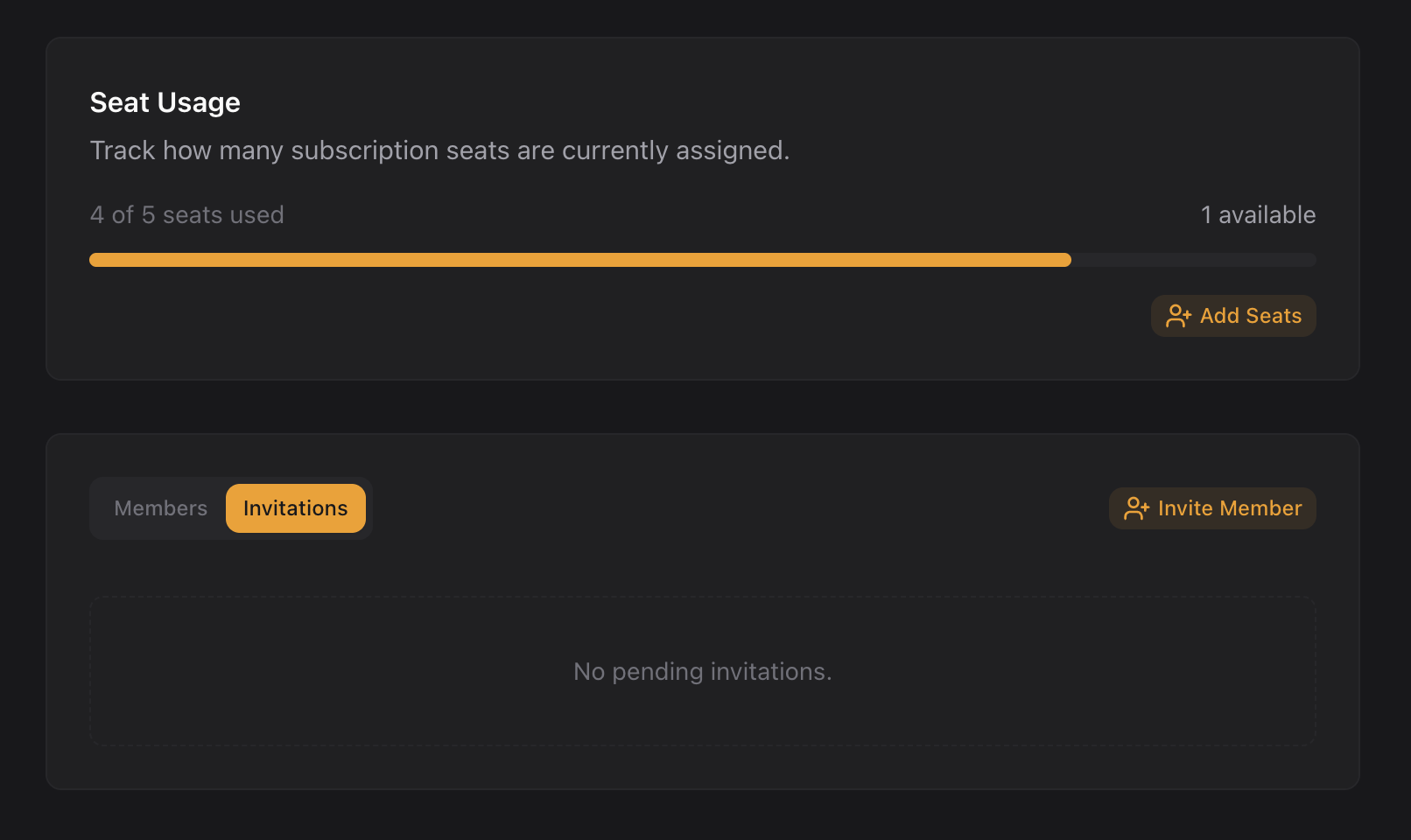
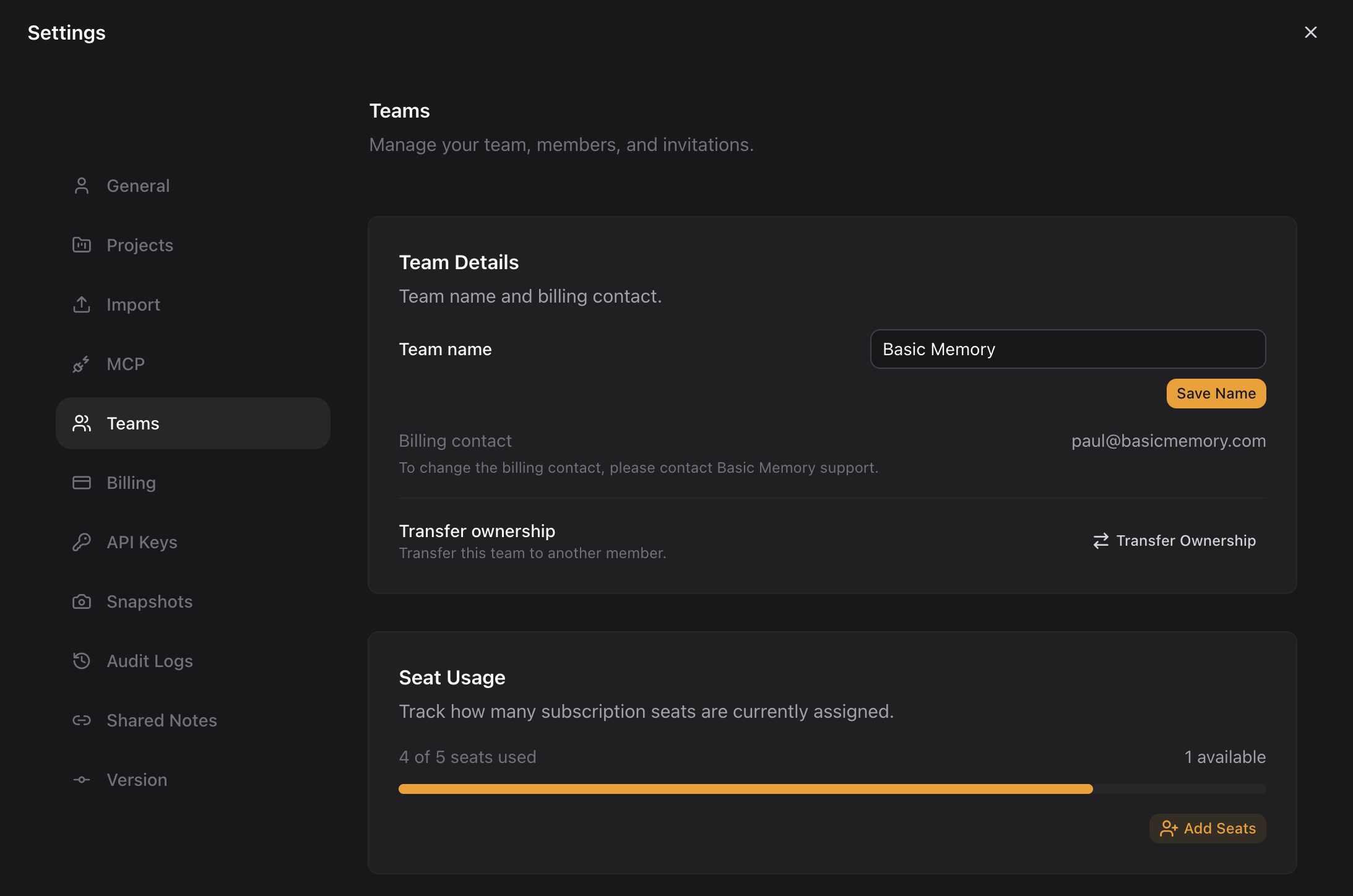
Team details, the billing contact, and seat usage are also visible under Settings → Teams:
Billing and ownership transfer are owner actions — see Members and Roles for who can do what.