

Pocketbook (Interactive MCP App)
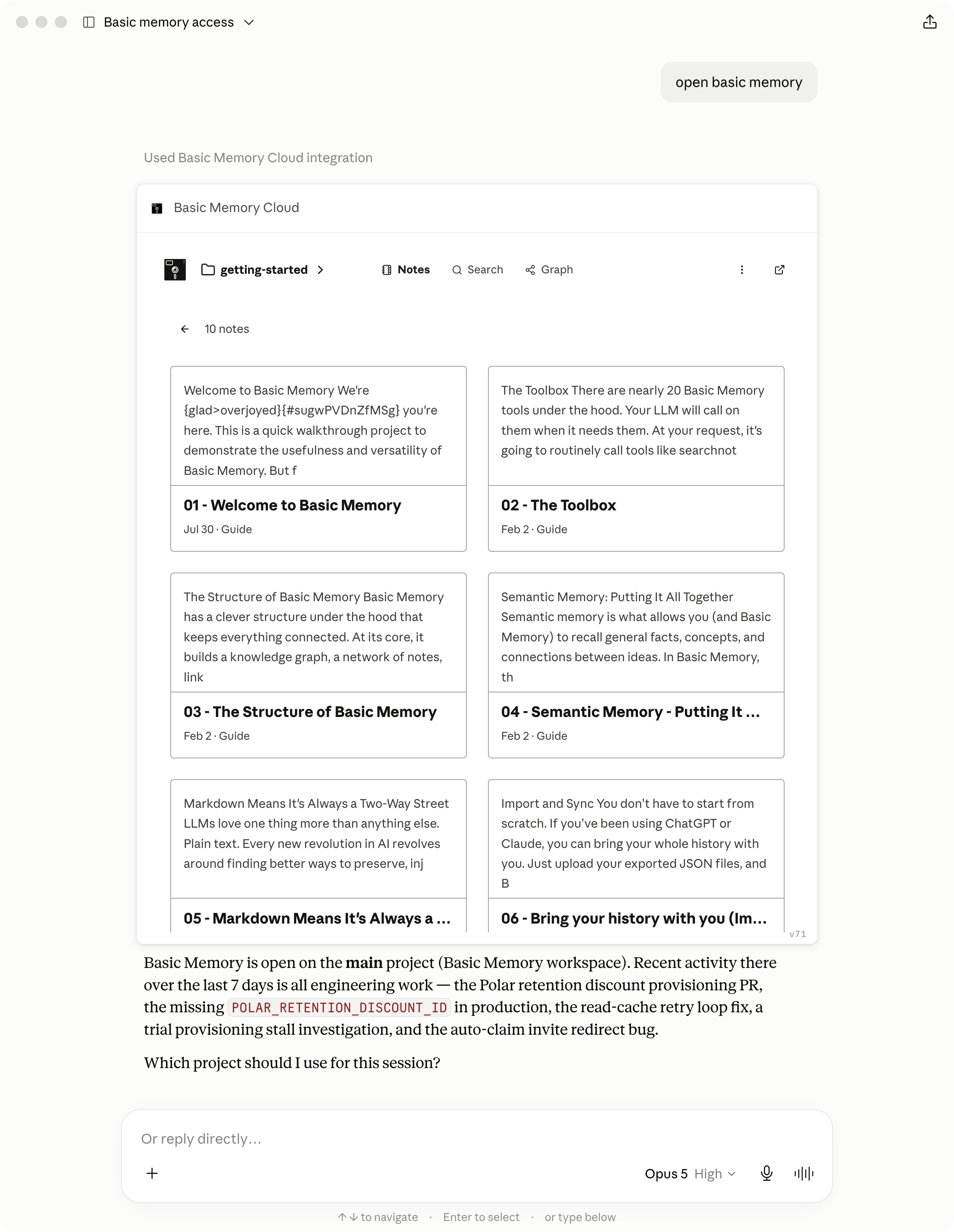
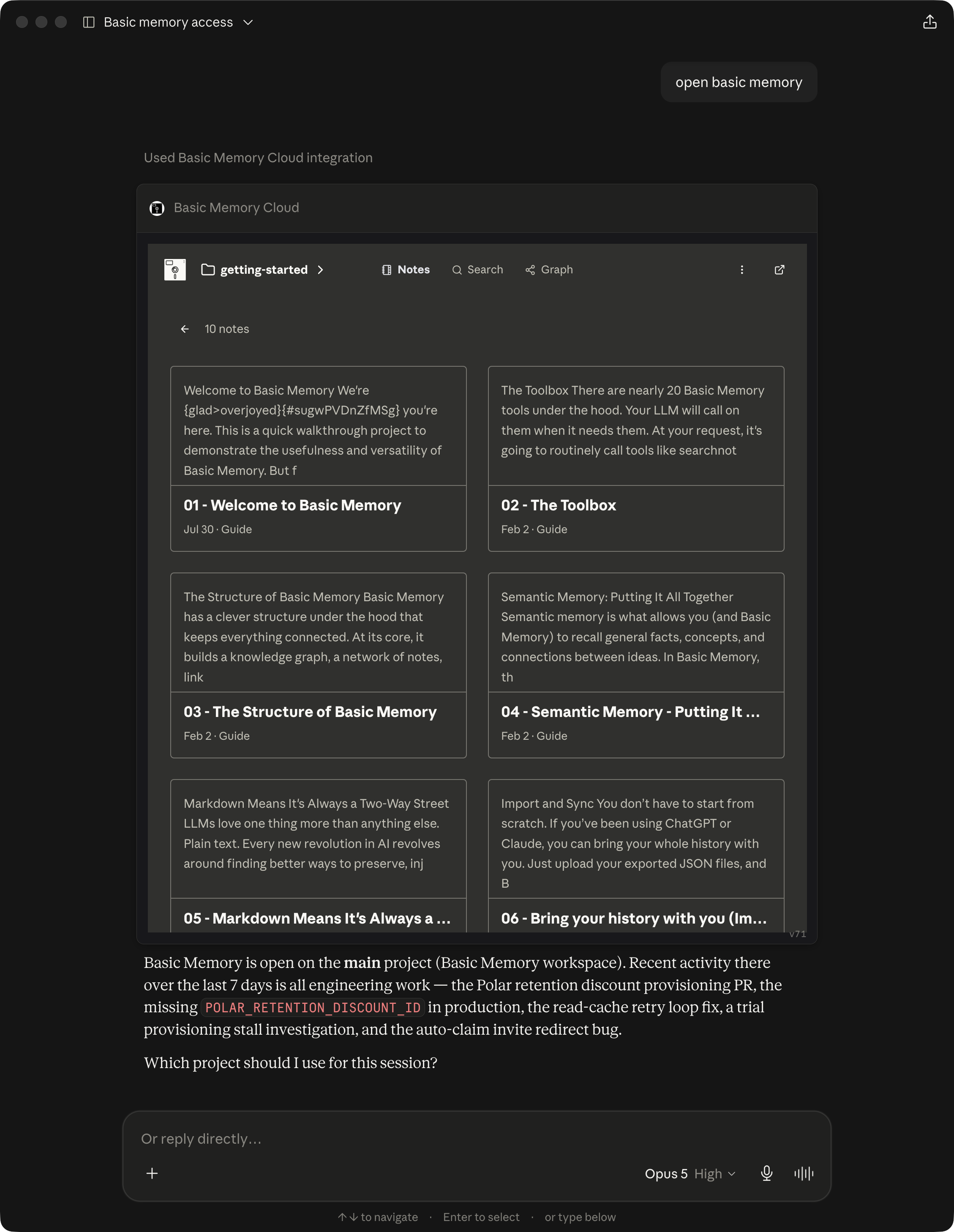
Basic Memory Cloud can now open Pocketbook, its Interactive MCP App, inside supported AI conversations. Browse your knowledge base, choose where the assistant writes, and work with notes without switching to a separate browser tab.
The app works in ChatGPT web and desktop and Claude web and desktop through the hosted Basic Memory Cloud connector.
Your knowledge base inside the conversation
The app provides three connected views:
| View | What you can do |
|---|---|
| Notes | Browse workspaces, projects, and folders; open notes; edit content; and toggle tasks |
| Search | Search the current project or every project you can access and open a result in place |
| Graph | Explore notes and relations, inspect connected notes, and move from the graph into the reader |
The note reader renders Basic Memory Markdown, including wiki links, tables, code, Mermaid diagrams, observations, relations, and frontmatter. The embedded editor also supports comments and suggested changes.
Give the assistant the right context
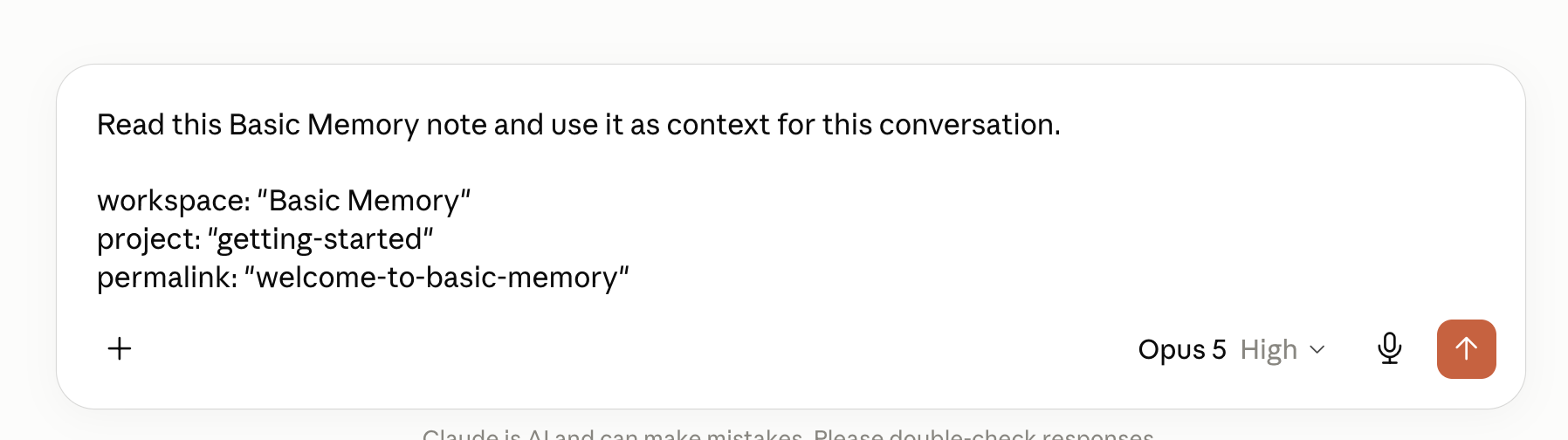
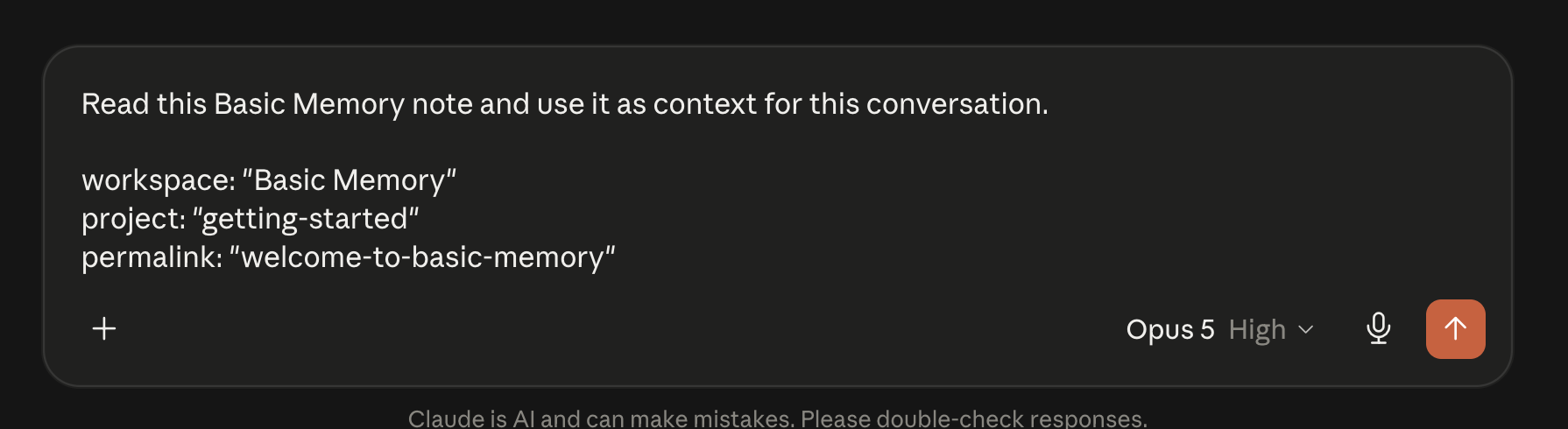
Choose Use this folder to set the workspace, project, and directory where the assistant should write new notes for the conversation. Click a note title to prepare a prompt that identifies the note by workspace, project, and permalink; add your question or instructions, then send it.
Open it naturally
There is no separate app server or installation. Connect the hosted Cloud endpoint at https://cloud.basicmemory.com/mcp, then ask:
Open Basic Memory.
Show my project notes.
Open Basic Memory search for authentication.
Show the knowledge graph around my architecture note.
Clients without interactive MCP App support can still use the normal Basic Memory data tools.